

Integrating UL Listed Fireproofing Coating Into BIM Workflows
Aug 24, 2026
As projects get larger and codes get tighter, fire protection can no longer sit at the end of the design chain. If your team is relying on BIM to keep work moving through the fall construction season, leaving fireproofing out of the model is like leaving out the structural steel sizes. It touches everything around it.
In this article, we walk through how to bring UL or Intertek listed fireproofing coating into your BIM workflows from the start. We focus on thin-film, architectural-grade intumescent systems and how modeling them early helps with coordination, compliance, design intent, and field execution.
Bring Fire Protection Data Into the Design Conversation
BIM is now the shared language for complex projects, especially when schedules tighten as the weather starts turning colder. Fire and life safety reviews are getting tougher at the same time, and that pressure shows up on your models, not just your specs.
UL or Intertek-listed fireproofing coating should sit in those early BIM conversations. It is not just a last-minute note in Division 07. The coating you choose affects member sizes, clearances, and the look of exposed steel, so it deserves a real seat at the table.
At Contego International, we focus on architectural-grade, UL and Intertek-listed intumescent coatings for structural steel and other substrates. When our systems are built into your BIM workflow, you can:
Set realistic fire-resistance ratings early
Keep design-forward exposed steel actually buildable
Coordinate around thin-film thickness instead of guessing with generic fireproofing
By the end, you will have a clear path to structure your models for fire protection, embed product data, coordinate with project teams, and get ready for code review and submittals.
Why Fireproofing Data Belongs at the BIM Core
When fireproofing shows up late, the model already feels locked. That is when fire protection turns into a field fix, and nobody enjoys that.
Early decisions on intumescent coatings shape several big items:
Structural steel sizing and weight
Member selection for exposed, semi-exposed, and concealed areas
Architectural detailing at connections, trims, and intersections
If the BIM model ignores coatings, you often end up with:
Rework when steel sizes change after fire ratings are confirmed
Clashes between coatings and tight architectural finishes
Delays during inspections while teams sort out what was actually applied
Making UL and Intertek-listed fireproofing coating a real BIM data set helps you:
Assign accurate fire-resistance ratings per member or assembly
Plan around added thickness and any limits in temperature or exposure
Coordinate with MEP and enclosure systems that share the same space
That kind of clarity is especially helpful when colder weather shortens outdoor painting windows and everyone is watching the schedule.
Structuring BIM Models for UL and Intertek-Listed Coating Systems
You do not need a perfect model, but you do need a consistent way to show intumescent coatings. Different offices handle this in different ways, and each can work if you stay disciplined.
Common methods include:
Parameters on steel members that tag coating type, rating, and thickness
Separate finish layers applied to steel objects or assemblies
System families that include defined coating thicknesses and coverage rules
Whichever path you choose, be sure certain properties are always present for each Intertek or UL-listed fireproofing coating:
UL or Intertek design numbers that match the tested assembly
Fire-resistance rating, such as 1-hour, 2-hour, or higher
Required dry film thickness or thickness range
Manufacturer name, in this case Contego International
Application limits, like interior vs exterior or substrate type
To keep work repeatable across multiple buildings or long campuses, lock down clear naming standards. For example, set up a pattern that includes:
Rating (1HR, 2HR)
Location (interior, exterior)
Appearance (exposed, concealed)
Coating family name
Shared object libraries based on that pattern make it easier for teams to select the right Contego system by design intent, not by guesswork.
Embedding Contego UL Data for Smarter Workflows
Once you have the structure in place, the next step is embedding real product data. Instead of a generic “intumescent coating” label, you want specific Contego systems mapped to actual UL designs.
That can include:
BIM object templates that already carry UL or Intertek design numbers and rating values
Coating schedules that read parameters and summarize area, volume, and rating
Project templates where default steel families are already linked to coating options
When parameter-driven schedules are set up, you can quickly answer questions like:
How much of each Intertek or UL-listed fireproofing coating is specified on this project?
Which members are carrying 2-hour ratings versus 1-hour?
Where are special high-visibility coatings being used on exposed steel?
Tying in manufacturer documents helps just as much. For each modeled system, link back to:
UL certifications and design listings
Product data sheets and safety information
Installation guides for field teams and inspectors
This way, anyone on the project, from architects to fireproofing contractors, can pull accurate info straight from the model instead of digging through old email threads.
Coordination with Architects, Engineers, and Fire Marshals
When fireproofing data lives in BIM, coordination talks get a lot clearer. Architects, structural engineers, and fire-protection engineers can all point to the same objects, parameters, and sections.
Better coordination shows up in simple but important ways:
Fewer RFIs about which rating applies to which member
Earlier spotting of tight clearances around coated steel
Cleaner details for feature spaces with exposed steel
For AHJs and fire marshals, a model that clearly shows UL-listed assemblies speeds review. You can share:
Color-coded 3D views of rated members
Schedules grouped by rating and Intertek or UL design number
Sections that show thin-film Contego coatings preserving the shape and sharp lines of the steel
This is especially helpful in atriums, entries, and other public spaces where thick fireproofing would change the look of the design.
From Model to Field and Long-Term Compliance
Modeling Contego systems is only the first step. That digital data should help crews in the field as well, from planning to inspection.
Contractors and fireproofing installers can use BIM outputs to:
Plan sequences so coated steel is accessible before enclosure work tightens access
Stage lifts, scaffolding, and protection for cold or wet weather
Coordinate with other trades that share the same ceiling or shaft space
On the QA/QC side, your BIM model can drive checklists for:
Product verification against what is modeled and specified
Coverage confirmation by member and by zone
Thickness checks that match Intertek or UL requirements and model parameters
When the project is complete, feeding as-built fireproofing data back into the BIM model pays off for years. Owners and facility teams get a record of:
Exact Contego coatings used and their ratings
Any field changes approved by the design team and AHJ
Which members carry which Intertek or UL design numbers and conditions
That level of documentation supports future renovations, digital twins, and ongoing fire and life safety reviews without guesswork or destructive testing.
By treating Intertek and UL-listed fireproofing coating as core BIM data and standardizing Contego systems inside your templates and libraries, your team can protect both safety and design intent. Coordinated models, clearer communication, and accurate records lead to fewer surprises on site, smoother approvals, and buildings that perform the way they were designed to perform.
Get Started With Your Project Today
Protecting your building with proven fire resistance starts with choosing the right UL-listed fireproofing coating for your application. At Contego International, we work with design teams, contractors, and owners to align performance requirements with practical installation needs. Share your project details and we will help you evaluate options, answer technical questions, and support your specifications. If you are ready to move forward, simply contact us to begin.
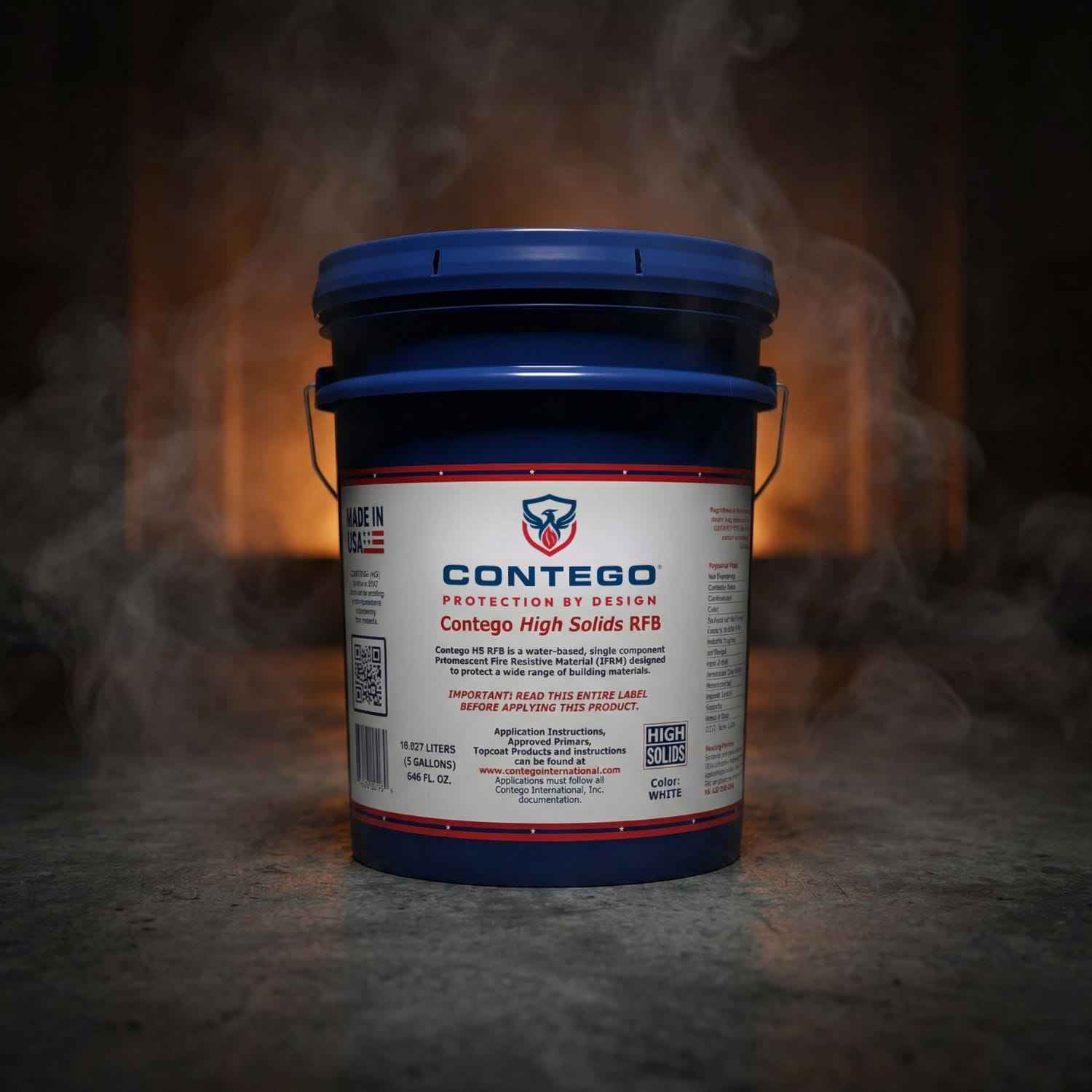
Contego High Solids
Recent Posts:
Two Solutions, One Purpose.
Fire Protection That Performs
Contego offers two distinct reactive coating technologies: one engineered for fire-resistance ratings on structural steel, and another designed for flame spread reduction on combustible substrates.
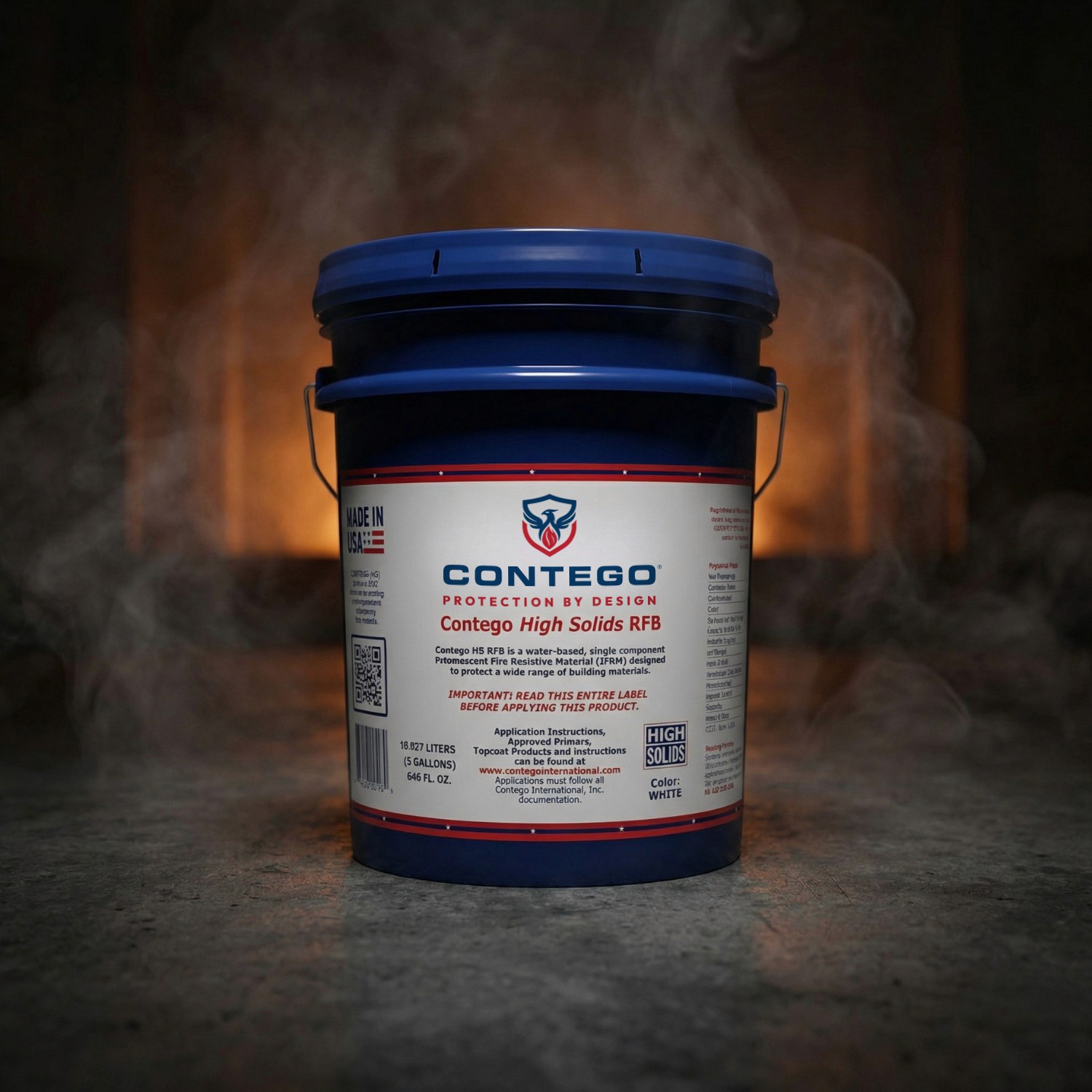
The Best in Fire Resistance
Thin-Film Intumescent Fire Protection for Structural Steel Contego listings protect a wide range of steel section factors, giving engineers greater flexibility across different structural shapes.
Key benefits:
Thin-Film Fire Protection
Low DFT Requirements
Broad Section Factor Coverage (W/D)
LEED v4, v4.1, and v5 Support
Tested Up to 3-Hour Ratings
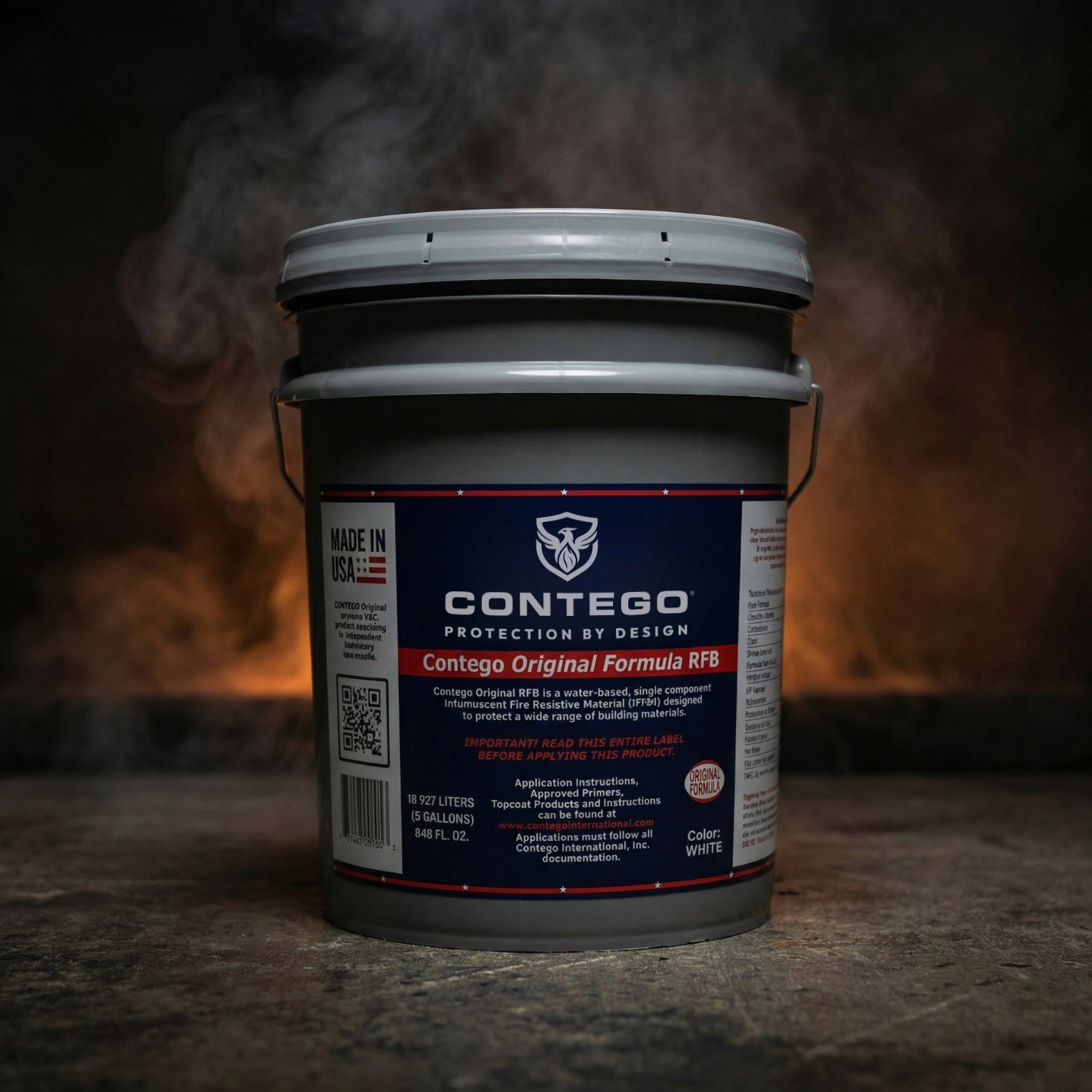
The Best in Fire Retardants
Fire Retardant Protection for Interior Building Materials Designed to improve the surface burning performance of common interior materials such as wood, foam, and SIP panels.
Key benefits:
Class A Fire Retardant Performance
Protects Multiple Interior Substrates
Smooth Architectural Finish
Zero VOC / Non-Toxic
Economical Fire Protection